Samsung 980 PRO 1TB vs SK hynix Platinum P41 1TB
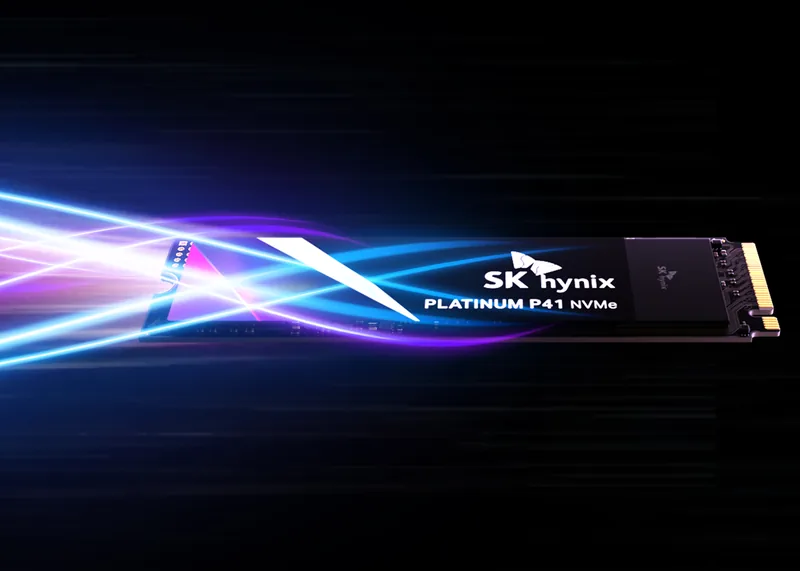 SK hynixPlatinum P41 1TB1000 GB · 7000 MB/s · 6500 MB/s · 750 TBWLeads on Sequential write
The site holds no current price for at least one of these, so what follows compares specifications alone.
| Specification | Samsung980 PRO 1TB | SK hynixPlatinum P41 1TB |
|---|---|---|
| Capacity (GB) | 1000 | 1000 |
| Sequential read (MB/s) | 7000 | 7000 |
| Sequential write (MB/s) | 5000 | 6500better |
| Current best price | — | — |
| Price per TB | — | — |
| Endurance (TBW) | 600 | 750better |
| Warranty (years) | 5 | 5 |
| DRAM cache | Yes | Yes |
| NAND type | tlc | tlc |
| Controller | Samsung Elpis controller | SK hynix Aries (ACNS075) |
How these two compare
Sequential throughput
Samsung 980 PRO 1TB is rated 7000 MB/s read and 5000 MB/s write; SK hynix Platinum P41 1TB, 7000 MB/s read and 6500 MB/s write. These are peak sequential rates over PCIe — the speed you would see copying one large file. For boot, app launches and everyday feel, random access matters more than this headline figure.
Endurance
The makers warrant 600 TBW on Samsung 980 PRO 1TB and 750 TBW on SK hynix Platinum P41 1TB — how much writing each is rated to take before the endurance clause lapses. Most desktop workloads never come close, so read the two against each other rather than as a limit you are likely to reach.
DRAM cache
Samsung 980 PRO 1TB carries a DRAM cache; SK hynix Platinum P41 1TB carries a DRAM cache. A DRAM cache holds the drive's mapping table — the index of where each block physically sits — so the controller places and finds data without an extra flash lookup. A DRAM-less drive borrows a little system memory (HMB) or a slice of its own flash instead, and is likelier to slow once a long run of random writes outlasts its fast cache.
NAND, controller and warranty
NAND: Samsung 980 PRO 1TB uses TLC and SK hynix Platinum P41 1TB uses TLC. The tier is bits per cell — SLC, MLC, TLC and QLC from one to four — trading density against endurance and sustained-write speed: QLC is cheapest per gigabyte, TLC the mainstream balance, and the denser the cell the sooner sustained writes taper. On the controller: Samsung 980 PRO 1TB uses the Samsung Elpis controller, and SK hynix Platinum P41 1TB uses the SK hynix Aries (ACNS075). It is the chip handling error correction, wear-levelling and where each write lands — much of how a drive holds up under load — even if the part number on its own tells you little. On the cover: Samsung 980 PRO 1TB carries a 5-year warranty, SK hynix Platinum P41 1TB carries a 5-year warranty. The length is the maker's own vote of confidence, and on an SSD it tends to track the endurance rating — a longer warranty usually meaning more rated writes.
Which to buy
With a price missing for at least one side, there is no cost verdict to give. What separates two otherwise-similar drives is up in the sections above — sustained and random behaviour, whether there is a DRAM cache, the flash tier and the warranty — so weigh those against what your build needs.
Common questions about this pair
- Which is faster, Samsung 980 PRO 1TB or SK hynix Platinum P41 1TB?
- Samsung 980 PRO 1TB is rated 7000 MB/s read and 5000 MB/s write; SK hynix Platinum P41 1TB, 7000 MB/s read and 6500 MB/s write. These are peak sequential rates over PCIe — the speed you would see copying one large file. For boot, app launches and everyday feel, random access matters more than this headline figure.
- Should you buy Samsung 980 PRO 1TB or SK hynix Platinum P41 1TB?
- With a price missing for at least one side, there is no cost verdict to give. What separates two otherwise-similar drives is up in the sections above — sustained and random behaviour, whether there is a DRAM cache, the flash tier and the warranty — so weigh those against what your build needs.